Find the money you can keep
Government updates, and why you should never track them yourself
Rates, thresholds, forms and deadlines move every year, and some mid year. This is how the app watches them and tells you which of your plans just changed.
Alerts3 min readAnyone who filed once, got it right, and assumed next year works the same way.
The short answer
- Every figure in the app has a source page and a date it was last checked.
- The checks run daily, and around each country's Budget and year end.
- When a figure moves, your saved plans are marked and recalculated.
Checked
Daily
Against the official page
Every figure carries
A source
And the date read
Your saved plans
Get flagged
Not silently changed
Do it in this order
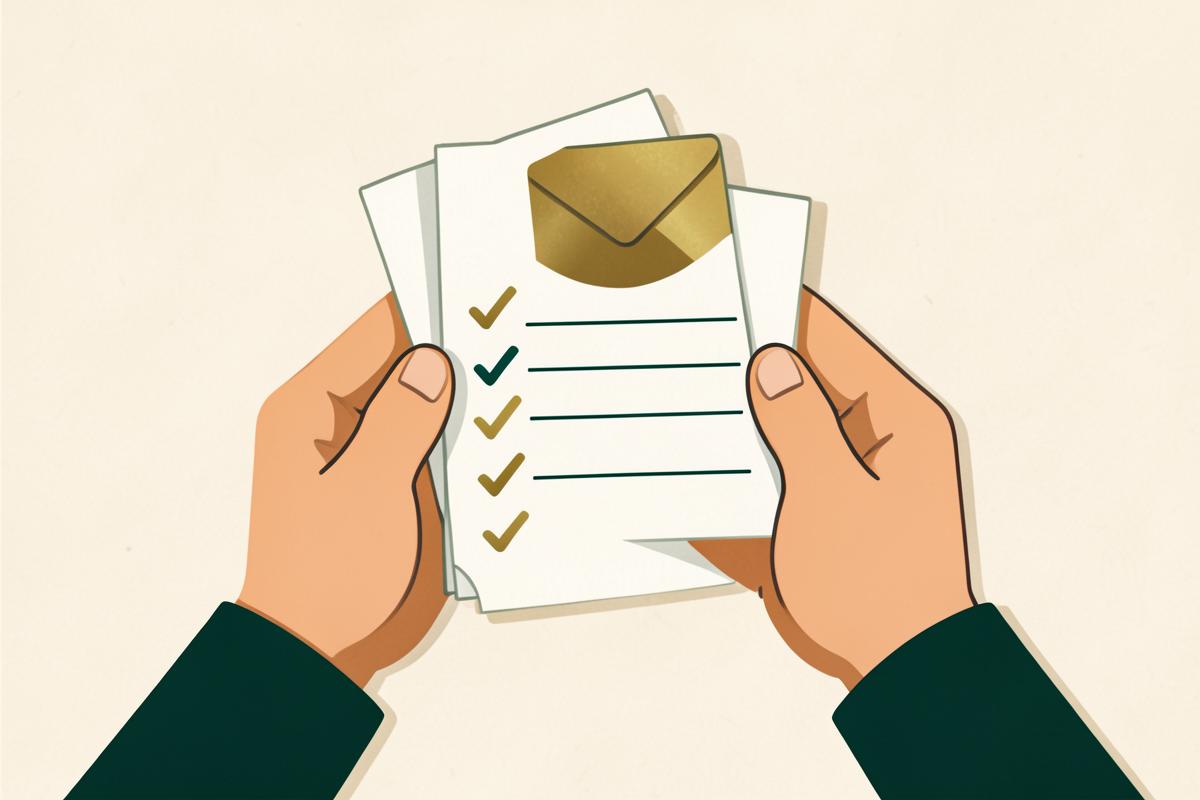
- 1A figure is stored with the official page it came from and the date it was verified.
- 2A scheduled check reads those pages and compares what it finds.
- 3Anything that moved is written to the change log with the old value, the new value and the announcement behind it.
- 4A person approves the change before it reaches your plans. Nothing is published from an automatic read alone.
- 5Your saved plans that used the old figure are flagged, and you can recalculate in one tap.
Only if you want the detail
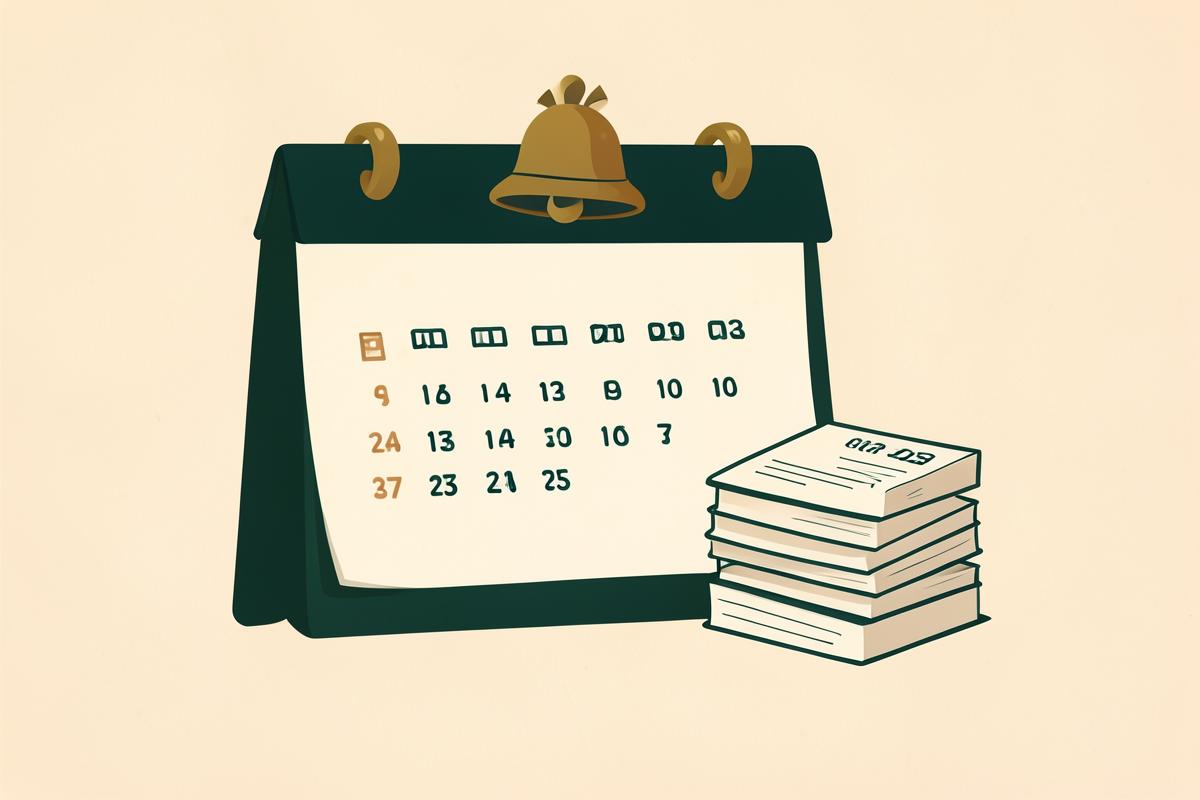
The dates that catch people out
Different countries, different calendars, and none of them wait for you.
Why a chatbot cannot do this part
A general assistant answers from whatever it absorbed during training, with no date attached and no memory of your plan. It cannot tell you that the thing it told you in March stopped being true in April.
Now do it on your numbers
Reading is the easy half. The saving comes from applying this to your income, your country and this tax year, with the deadline written down.
Where this comes from
General guidance, not personal advice. Anything involving a company, a trust or another country should be checked by a qualified accountant or tax adviser before you act.
Read next
Windfall
Money just landed
Park it. Do nothing irreversible for two weeks.
Business
Where to register
Tax follows where the work is done and where you are resident, not the address on the certificate.
Offshore
Offshore, honestly
Offshore works for genuine cross border business, not for hiding money at home.